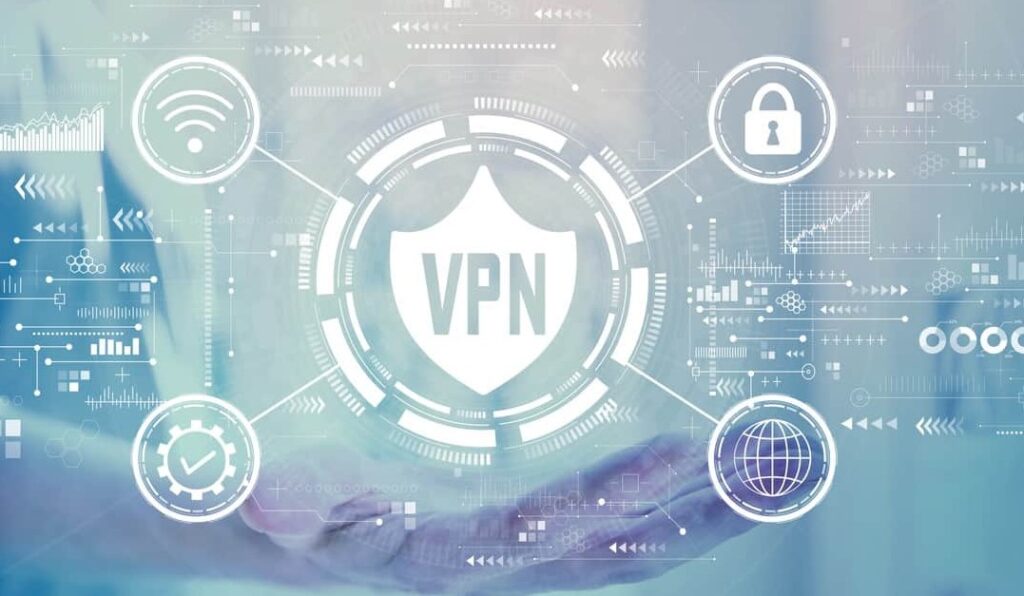
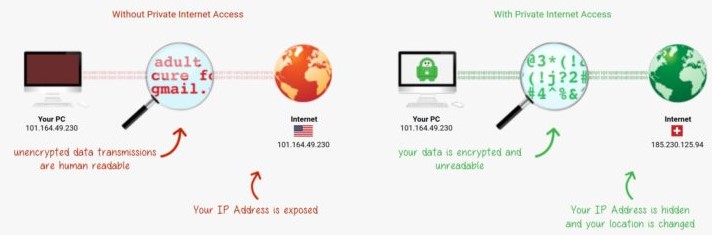
A VPN encrypts all data between your PC and the host website. It provides protection against cyber criminals viewing what you type, see, and do on the Internet.
For example, if you do Internet banking, your login details, passwords, etc, are encrypted (scrambled). If you download a pirated video, your IP address is anonymised, so they don’t know it is you. And if you view questionable content – ditto. Most importantly, it can stop ‘man in the middle’ snooping at public Wi-Fi sites.
Even if you only access the Internet from home, a VPN is mandatory, along with a good antivirus/malware program. With the uptake of multi-factor authentication for banking, you are well protected as only you can access your bank account by providing an SMS verification code.
For those who may need one, here is a brief guide.
What is a VPN?
It is a secure, encrypted virtual tunnel between your device and a VPN server. This un-encrypts that data and passes you to the website or app you’re trying to connect to.
Benefits
- As a VPN connection encrypts your data, your ISP or a cybercriminal cannot view your activity online.
- You can use a VPN server to get around geo-blocks (access content from other countries).
- If you have a VPN app on your phone or laptop, it is safe to use public Wi-Fi.
- You can use your device as a Wi-Fi hotspot (at Public or Home Wi-Fi), and the VPN will protect all internet traffic.
- Modern VPNs only marginally slow traffic.
Limitations (of some VPN providers)
- Limit the content you can access, e.g., pirate video sites.
- Keep logs that law enforcement can access.
- Reduce the download/upload speeds.
- Have limits on the amount of data you can use.
- Don’t have local servers and have long lag times.
- Some banks and online shops don’t work with VPNs – they should.
Free versus paid VPNs
Never use a free VPN. The majority are spyware, malware, or scamware and are China-based. Repeat—don’t do it.
You must be aware of some issues with VPN packages as part of antivirus/malware packages. Many don’t allow torrents (P2P pirate video), won’t circumvent geo-blocking, impose download limits, keep logs, and have limited servers, so lag times can be long. Some don’t support all major operating systems.
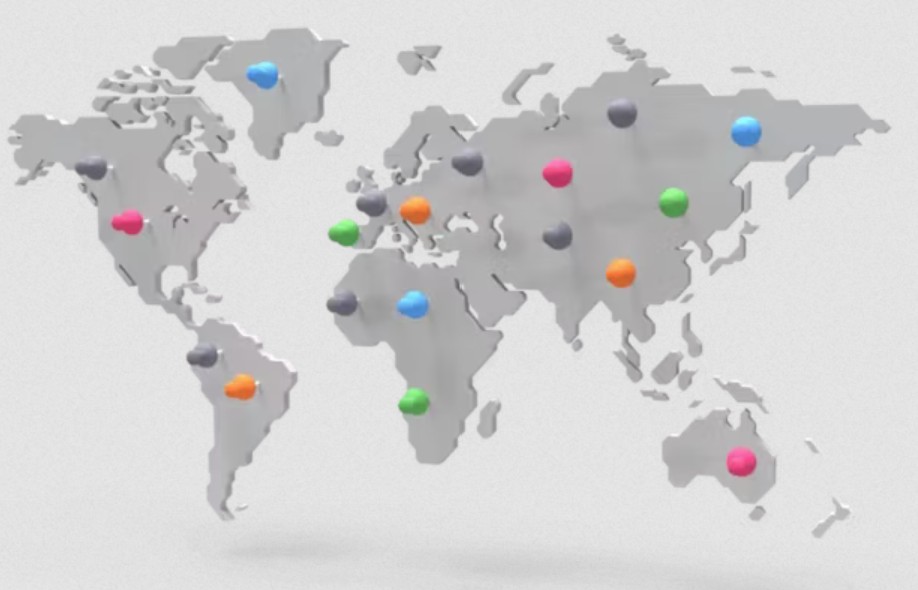
Paid VPNs like Private Internet Access (PIA) are more liberal in the content you can access, have a no-logs policy and have Australian servers that don’t really slow down Internet speeds. PIA currently costs A$109 for a 3-year subscription ($36.33 per year).
How do you install it?
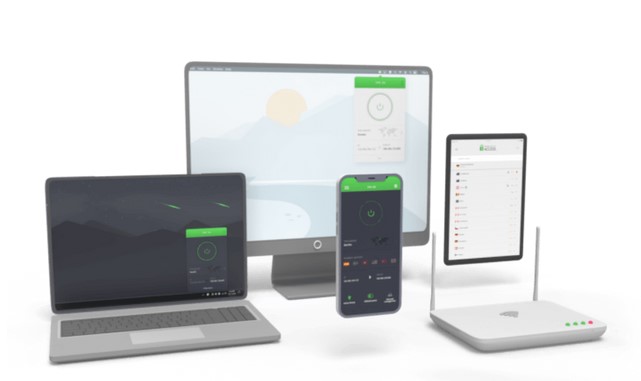
Buy and install PIA. After entering your username and password, it automatically sets up on Windows, Windows ARM Copilot PCs, MacOS, Android, Chrome, Linux, and even some smart TVs (LG, Samsung, Google/Android TV, Chromecast, Fire TV, Apple TV, Roku, and NVIDIA Shield). You can even run it on DD-WRT-compatible routers and protect the home network.
You can let it run all the time or launch it when needed.