
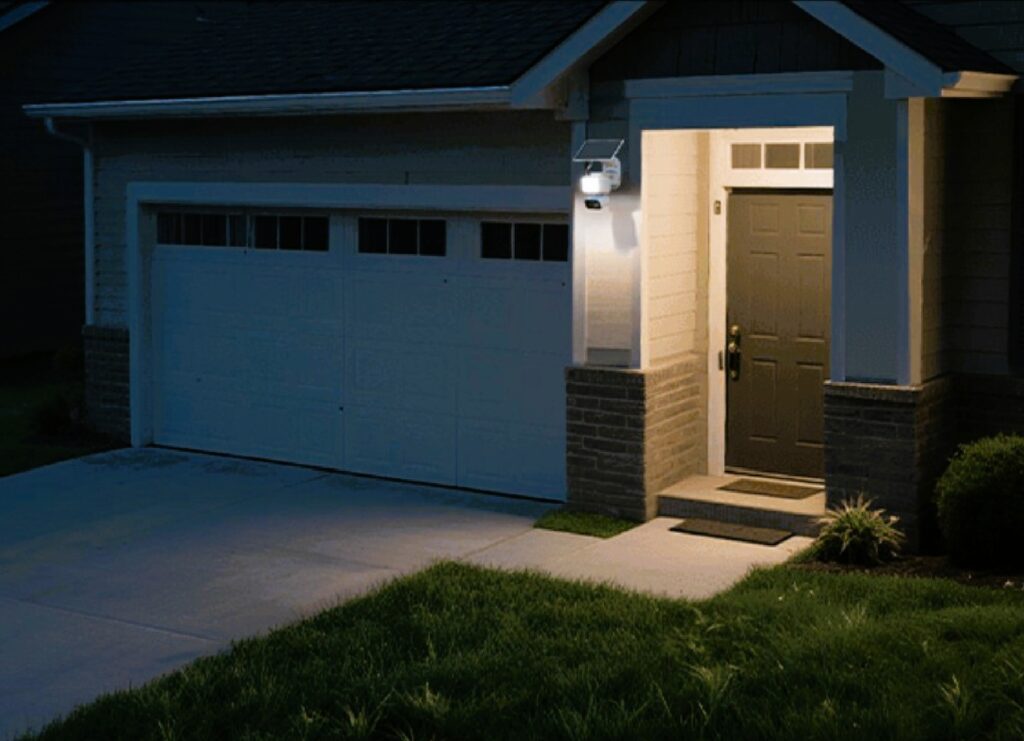
The Tapo whole of home solar-powered security range has grown considerably and with good reason. Manually charging security cameras is for the birds, and onboard AI can help avoid said birds’ false activations.
This is not a typical deep-dive review, but one that we occasionally love doing, as it gives us hands-on experience outside the test home.
How this Tapo whole of home solar-powered security review came about
A ‘dazed and confused’ octogenarian reader wrote seeking advice. Coincidentally, he lived on the Central Coast, and while I don’t usually make personal contact, it was easier to do so.
He had a well-known security camera brand professionally installed about three years ago. It worked OK for a while and then had increasing dropouts and reliability issues. In part, the issues were:
- Telstra NBN and its Gen 3 Stupid crappy modem, only worse since 500/50.
- He was tired of the 1080p lack of definition (could be his weary eyes), and even his 4K camera was not that good (at night).
- The renewal of his annual subscription was a shock – nearly $200, and let’s say that most octogenarians hate subscriptions. To be sure, this offered a few more features, but they were ones of the least value to him.
- He was also extremely tired of having to charge the cameras, and the 4G Solar camera often ran out of battery.
- He was not aware that you need different cameras for different places to solve different problems, and that was also part of his problem.
My response to him was not to be judgmental because tech has advanced so much in three years, and the new solution may well be from the same brand.
I verified that his existing NBN and camera system were not up to the task. I educated him on what was needed for NBN and what a security system needed to do, and we arrived at a shopping list.
We selected cameras for specific needs (all solar-powered). More later.
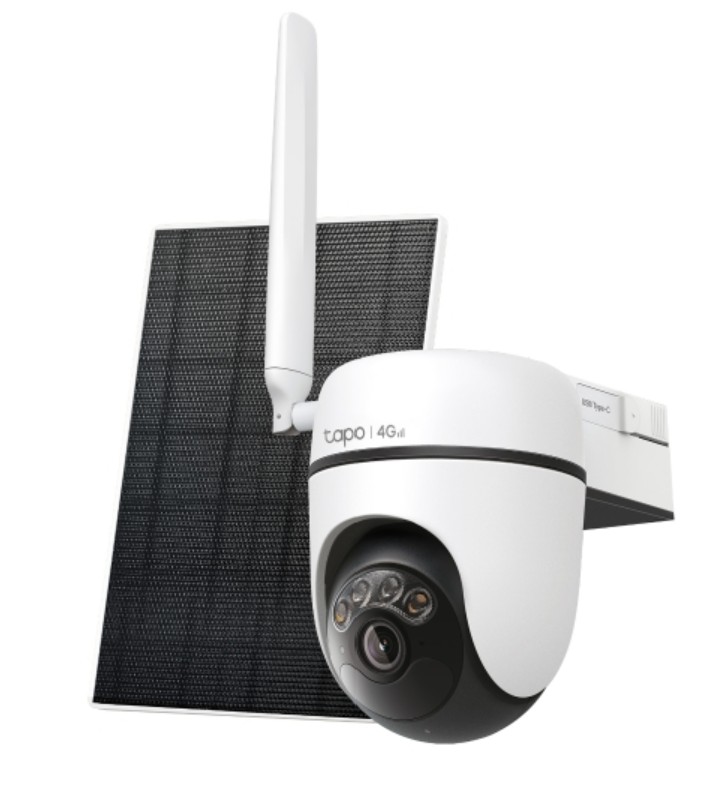
C615G KIT Pan/Tilt 4G LTE Security Camera Kit.
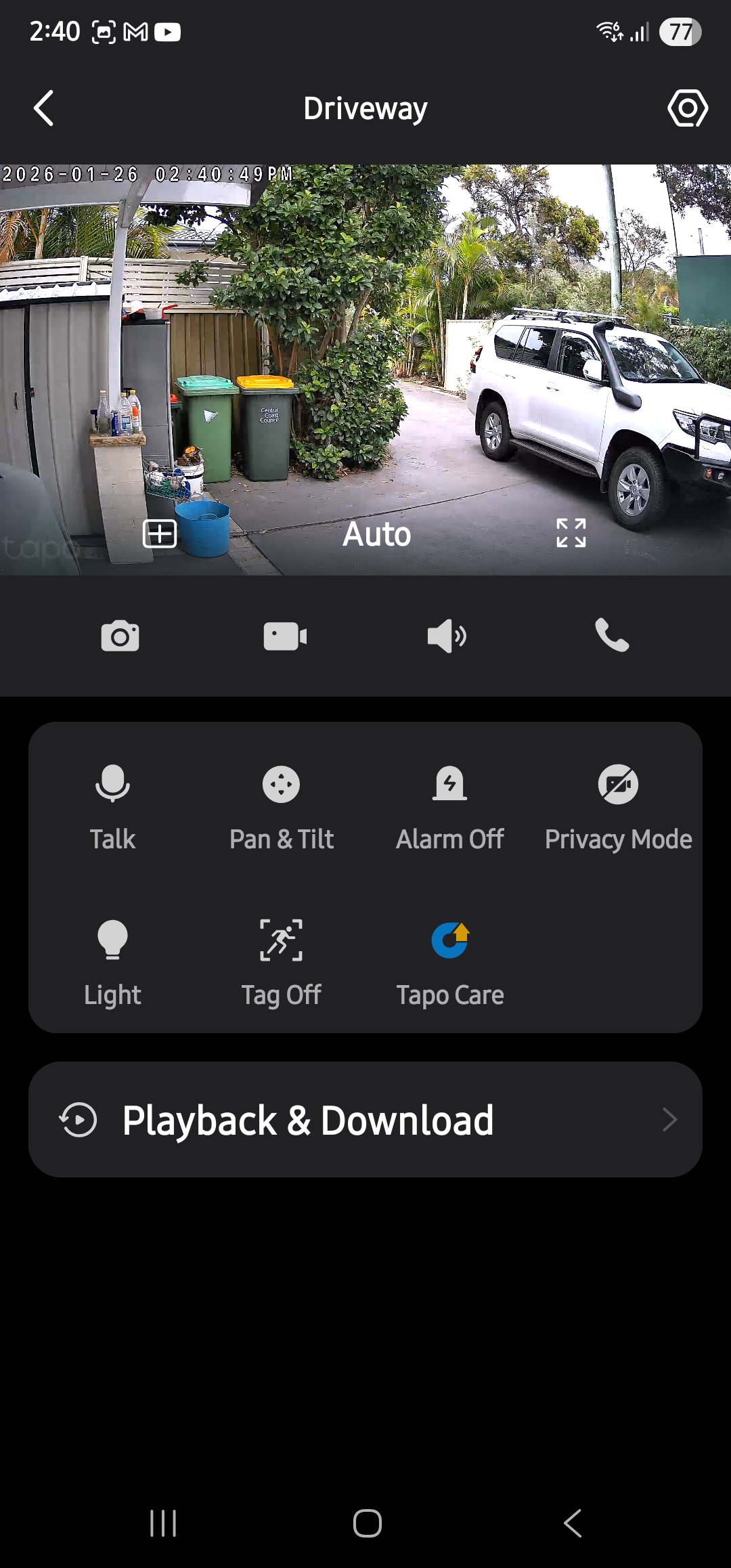
Product Page. This will be placed at the end of a 100m jetty, which is way too long for 2.4GHz Wi-Fi. It is also a 360° pan and tilt so that it can see both the left and right boat berths. With AI tracking, it accurately identifies people, pets, and vehicles to almost eliminate false events (and an event is when an unknown intruder activates PIR and motion tracking and starts a video). This camera has two spotlights, is IP65 and is suitable for marine environments.
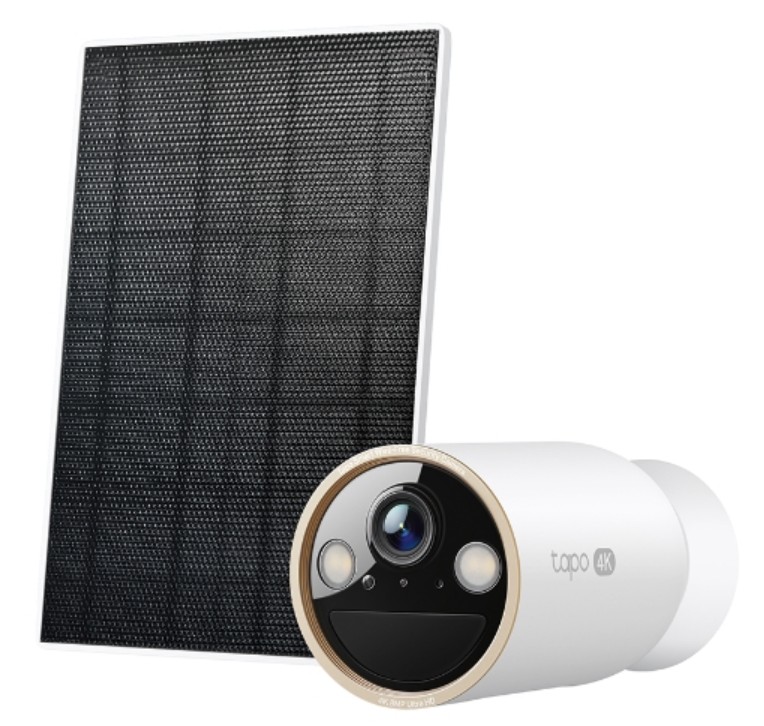
C460 Bullet style 4K camera kit
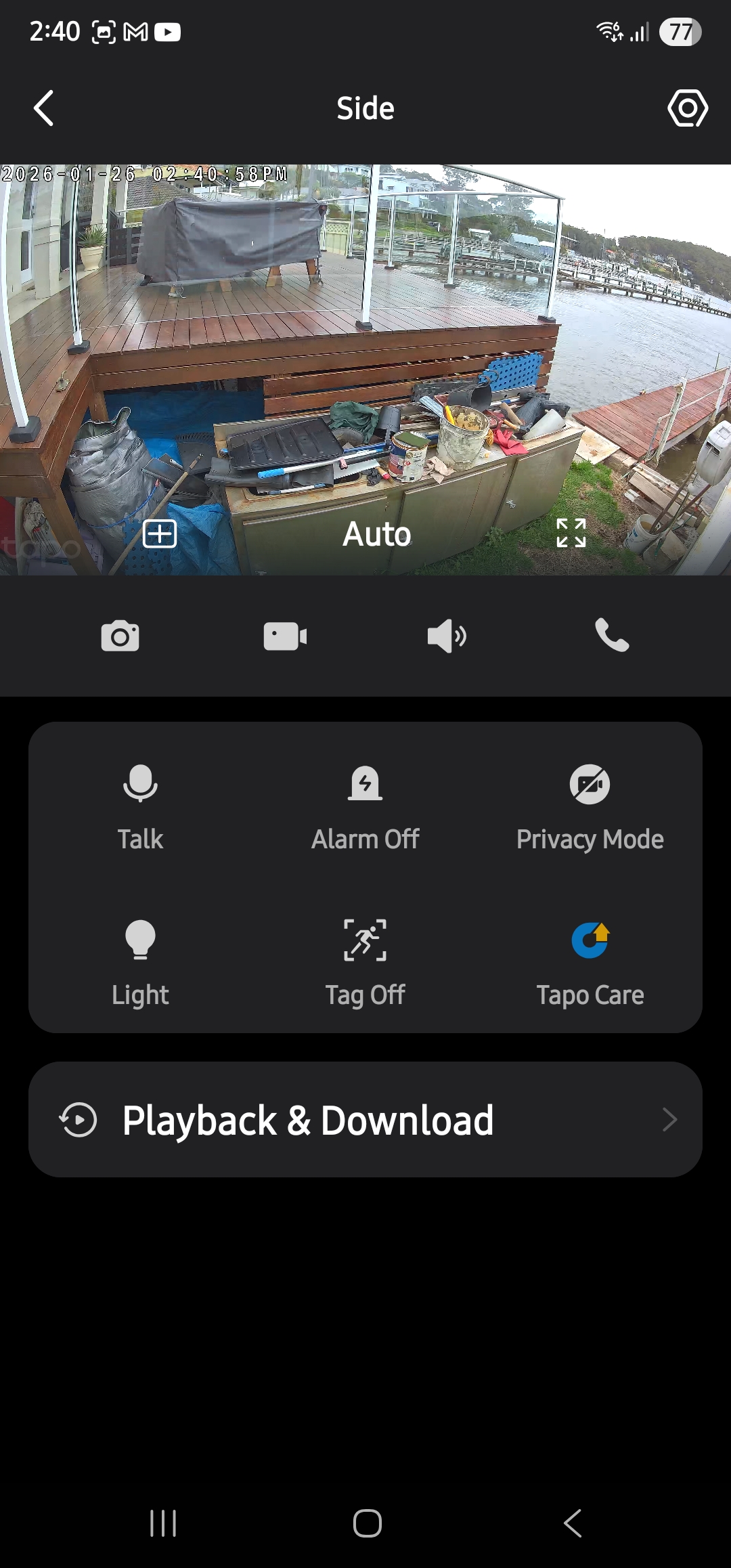
Product Page. We selected this for a difficult placement at the side of the house for its 134° (Diagonal), 113° (Horizontal), 59° (Vertical) FOV, which covers the jetty, deck and a fairly narrow passage. It has Starlight Colour Night Vision (4 x 850nm IR LEDs to 15m), 2 spotlights and IP66.
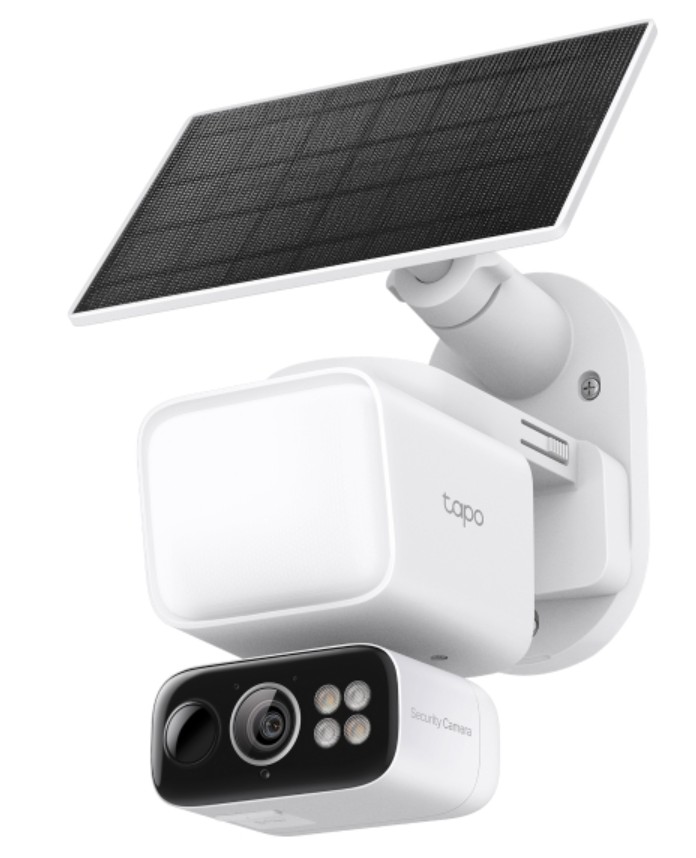
C615F Kit
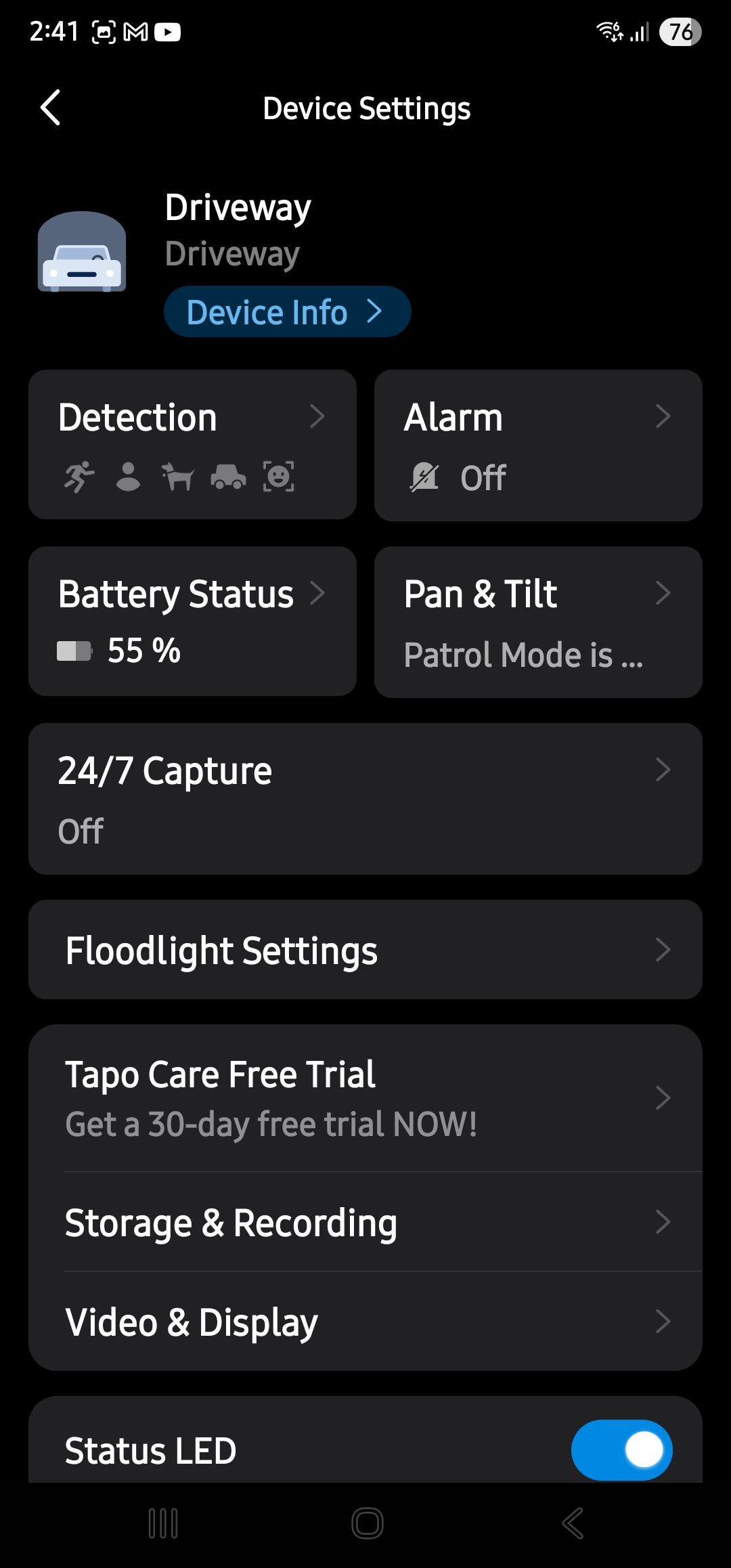
It is an 800-lumen floodlight and a 360° pan/tilt with a twist! The home is on a battleaxe block with the front entry via a long drive and then an apron where they park the vehicles. It needed pan/tilt, long detection distance, but importantly, it needed a floodlight. As there is no electrical outlet nearby, this is one of the very few that has a solar power/battery spotlight.
Installation
Hardware-wise, these are simple to install. Full templates are in the box, and the app has full install guides.
We removed the old cameras and mounts, and for the most part, were able to use at least one screw hole to attach the new mounts and then drill new holes and screw them in. Tools required: Power drill/screw driver, 3mm drill and a Philips head screw bit.
The mounts can either be all-in-one with the camera and solar panel, or you can separate them to place the solar panel in a better position for the sun. They come with a 3.8m USB-C solar extension cable.
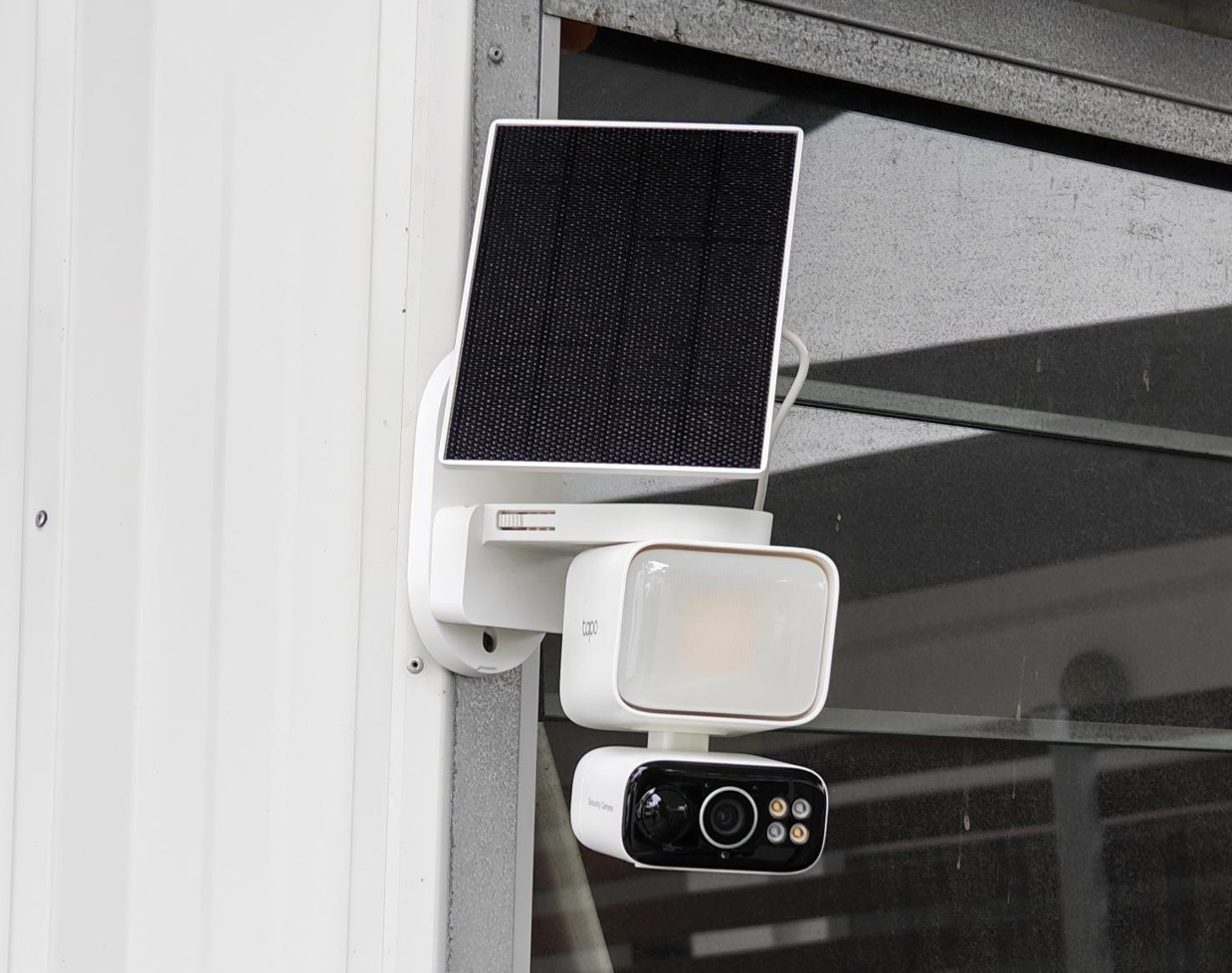
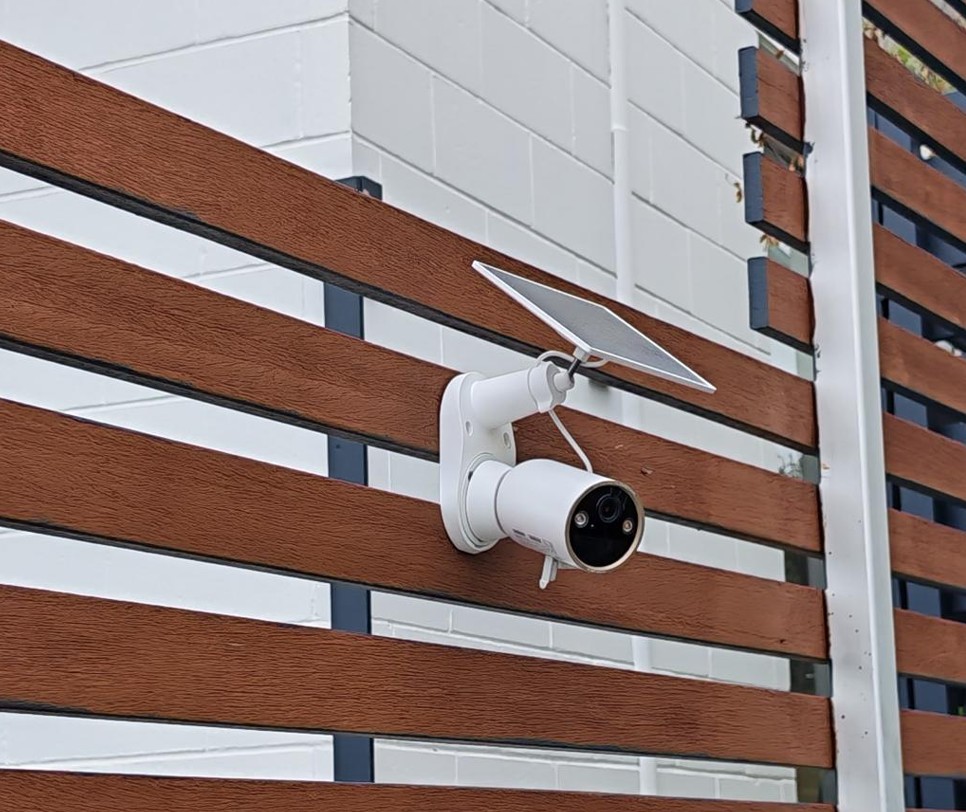
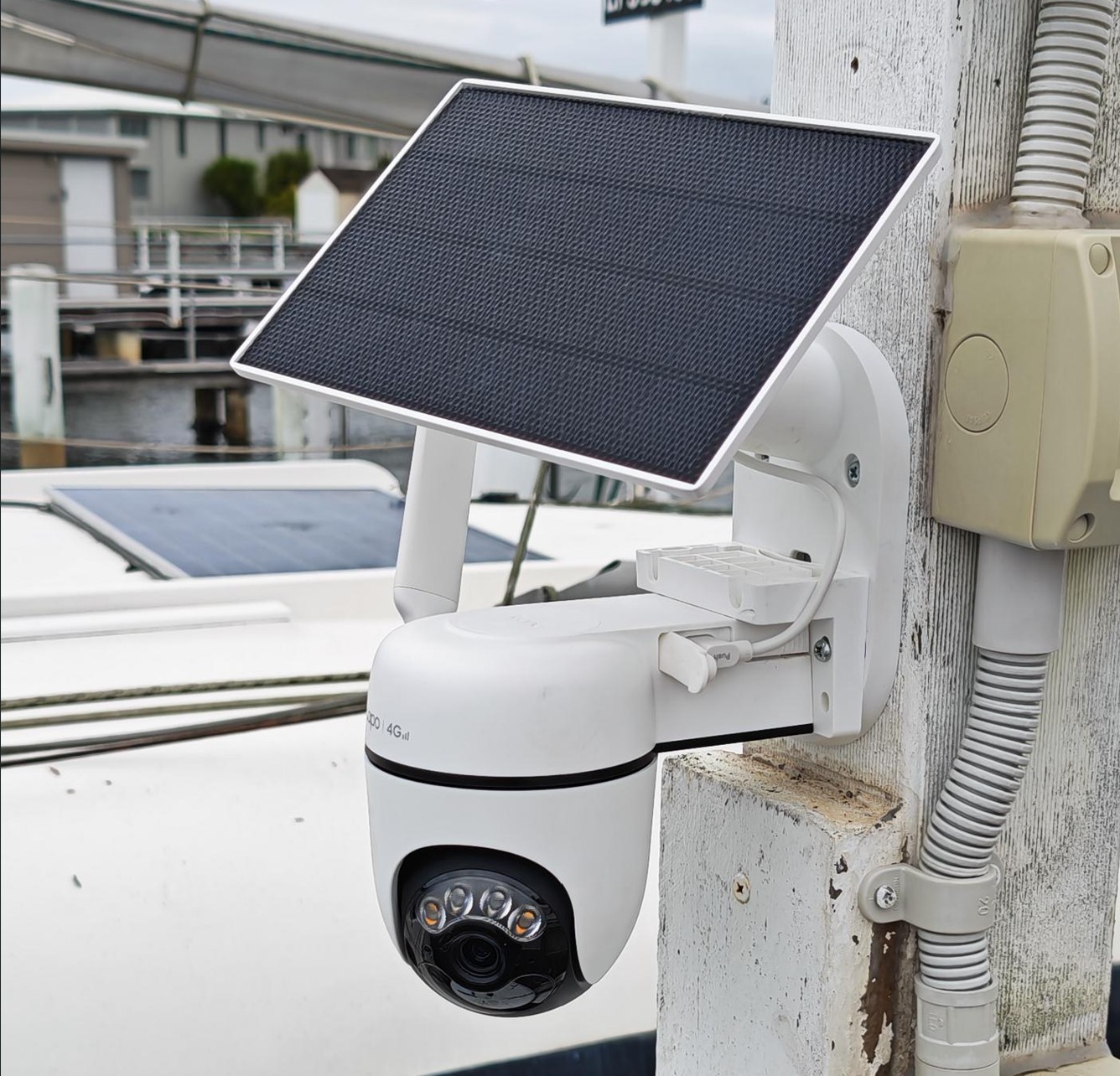
Solar: Pass+
Out of the box, the cameras have about a 30-50% charge, so we were keen to see how the 2.5W solar panels (4.5W in the Floodlight) performed over a day in the various positions. By the end of the day, the jetty cam with full sunlight was at 100%, the bullet cam at 75% (it gets shade for half the day), and the driveway cam was at 72% (started at 32%).
It is too early to give an accurate power draw, but
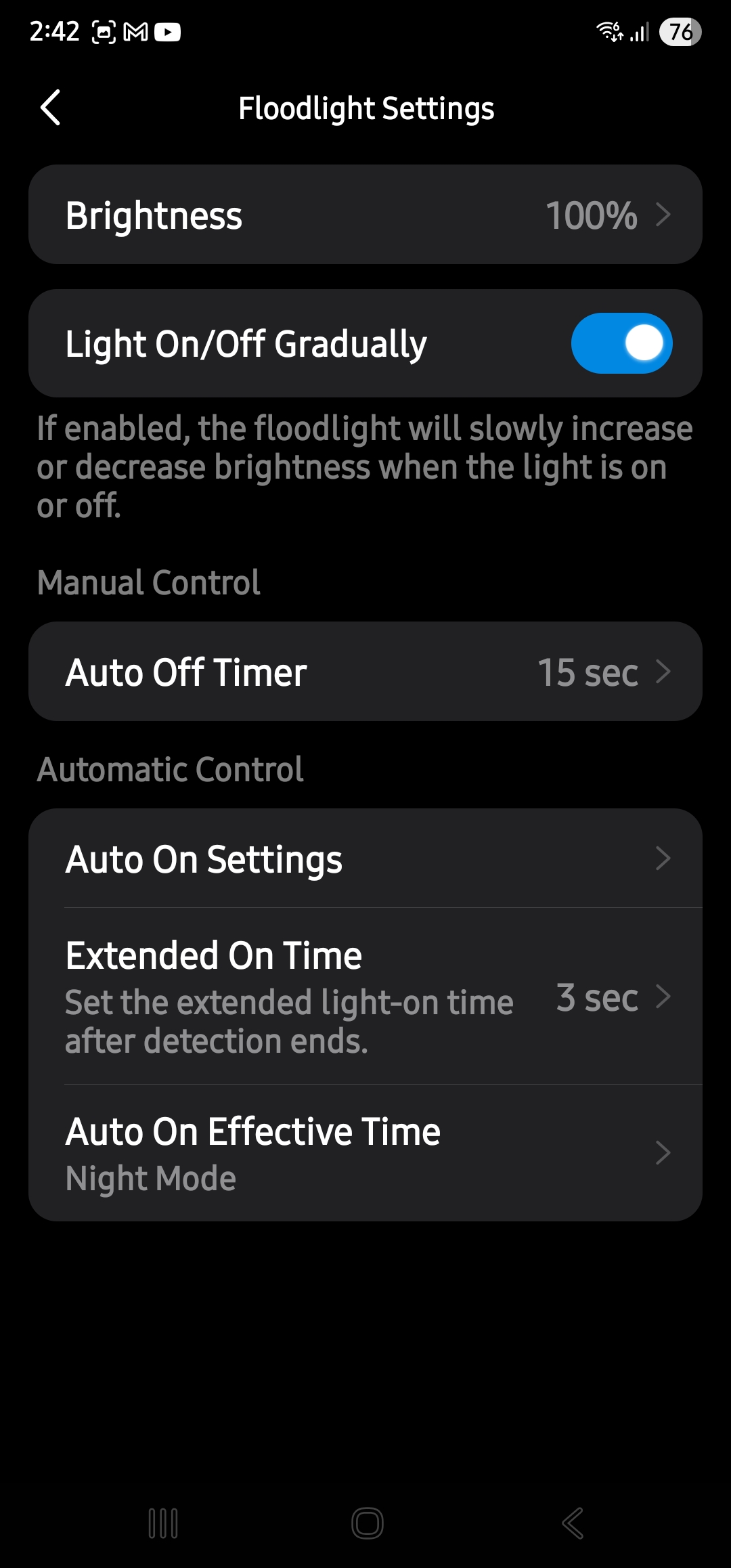
- Floodlight draws a maximum of 11.28W (typical 1W). The battery is 3.6V/10.4A/38W. Tapo estimates 120-150 days at 240 seconds of live view/recording from full charge.
- 4G camera 2.642W during recording and 4G transmission (typical 1.066W). Ditto – Tapo estimates 120 days
- 4K Bullet camera 3.797 during spotlight and 4K record (.983W). Ditto. Tapo estimates 200 days.
USB-C means that if they ever need topping up in situ, you can use a 10,000-20,000 mAh battery bank.
Setup: Pass+
- Download the Tapo app for Android or iOS and sign in. Give it the permissions it needs. Privacy provisions are benign, and you are not storing them in the cloud.
- Power on the camera
- Press the reset button
The app finds the camera and updates forward if required.
The 4G requires a data SIM. The best value we found was a 365-day, 30GB, data-only plan at $95 from Aldi. We don’t know if 30GB will be enough, but we expect so. Most of the other 365-day SIMs were 150, 200 or more GB at considerably more cost.
The Octogenarian understood that each camera has adjustments for sensitity. etc.
Tapo H500 AI base: Pass+
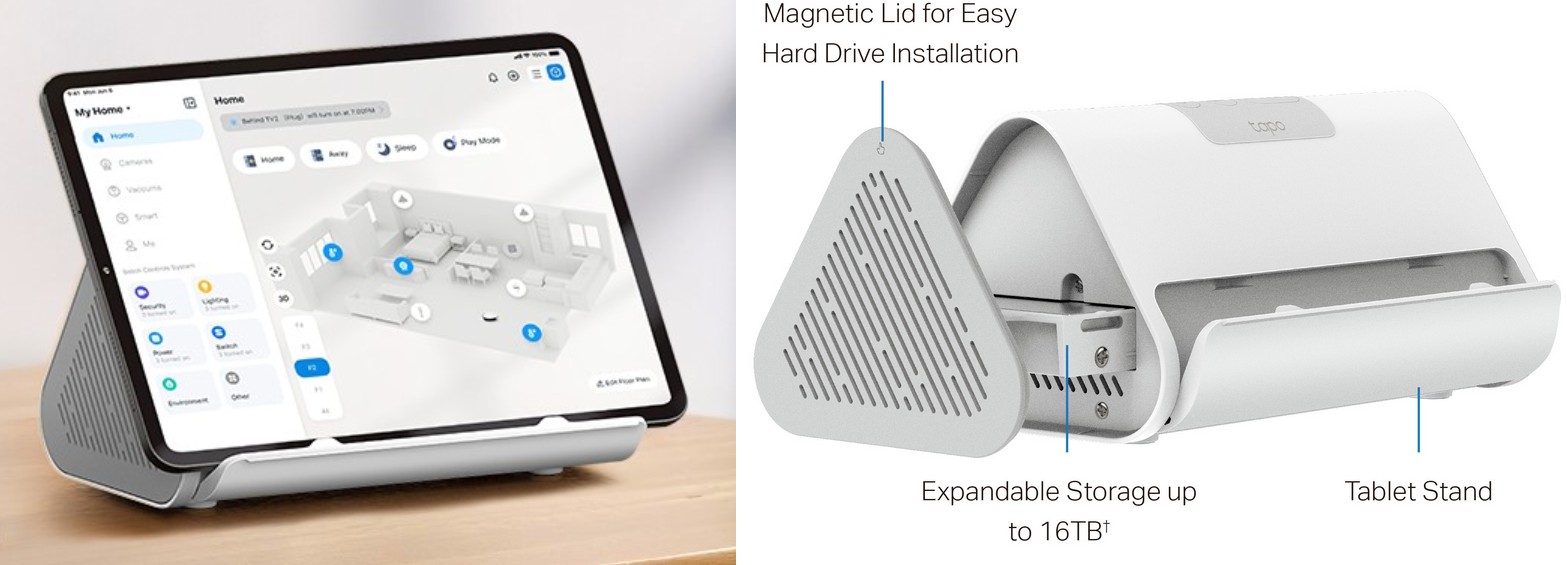
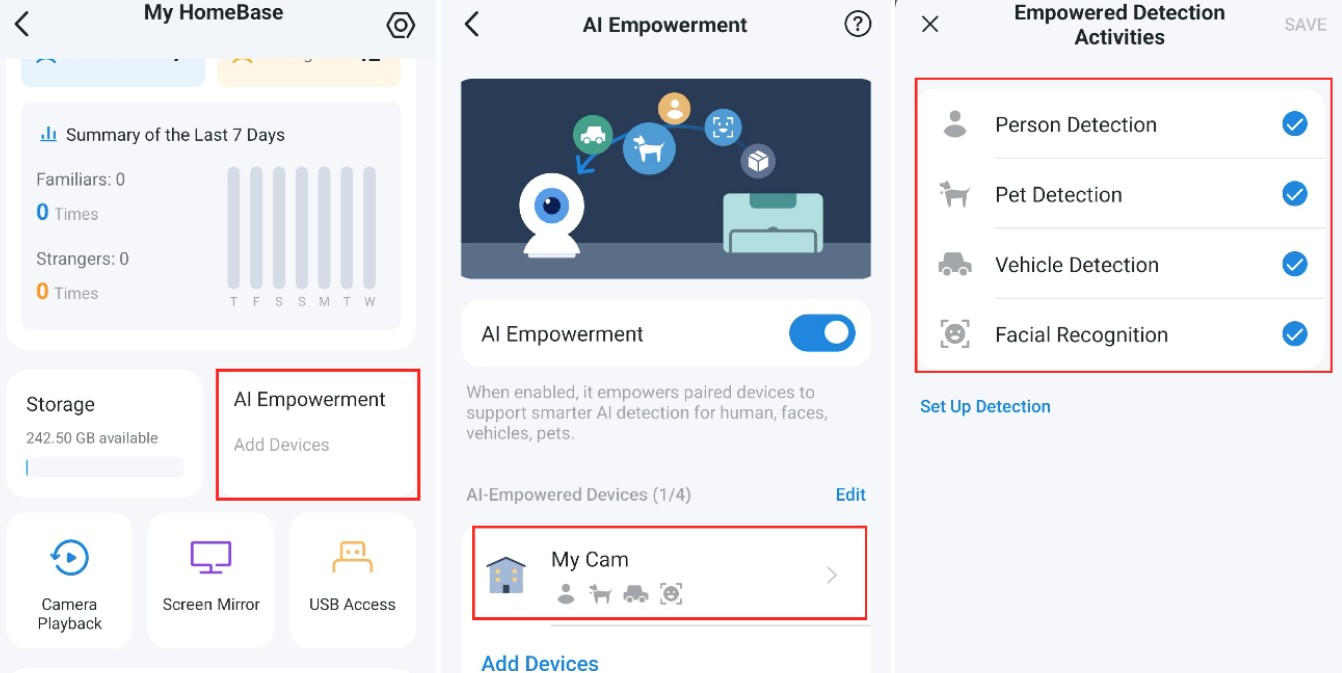
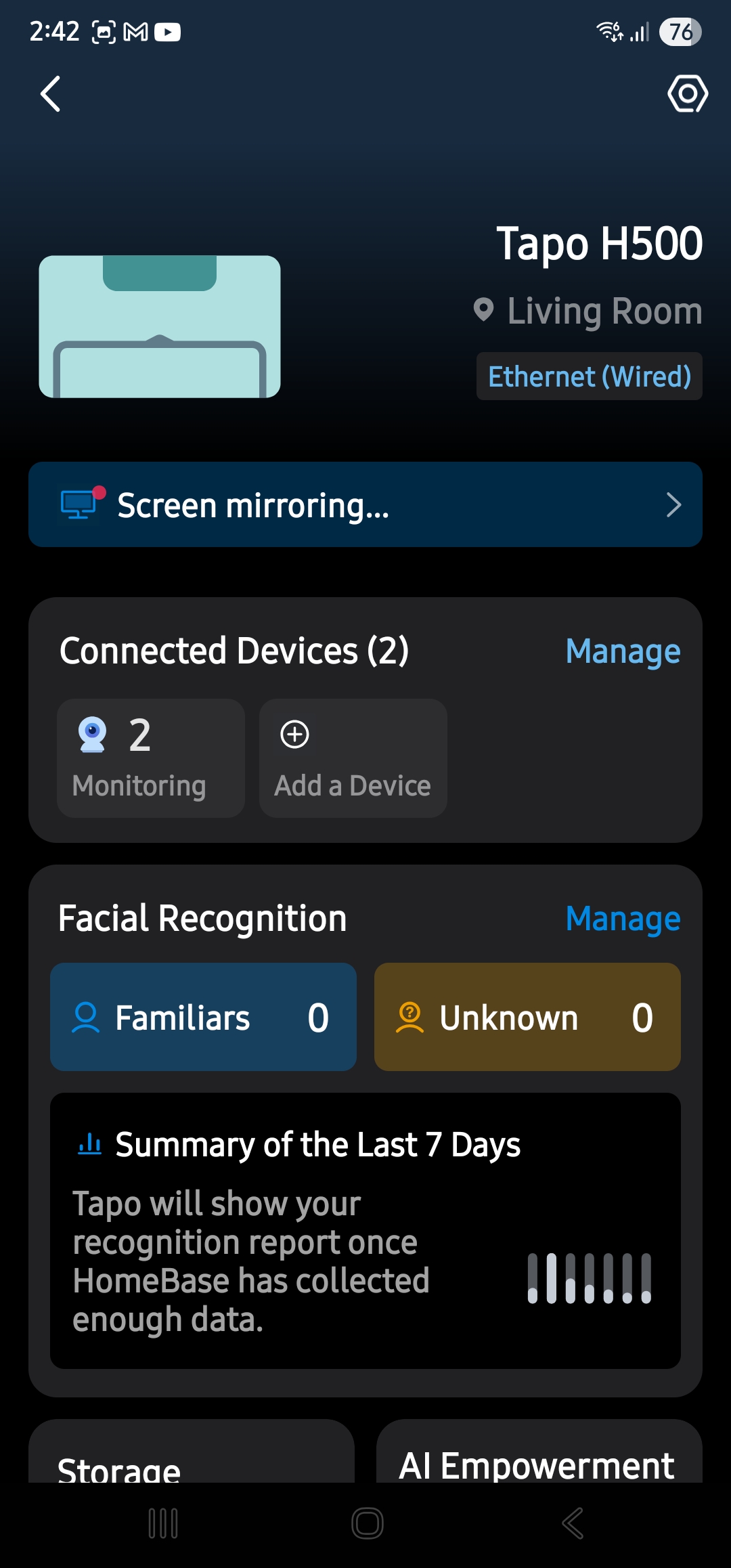
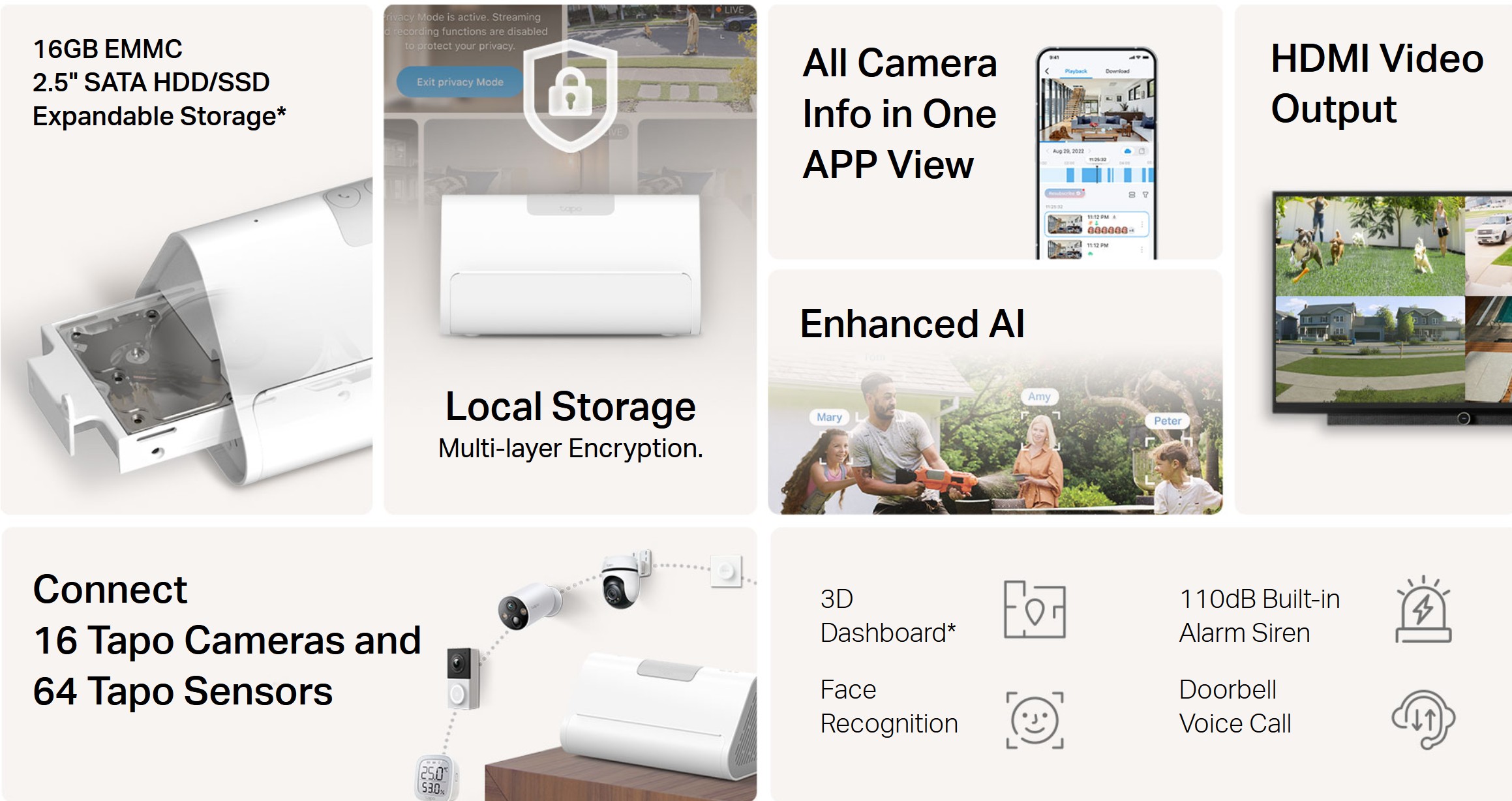
Our review fully covers this TP-Link Tapo H500 smart home base – no subscription, local storage, and AI, but here are a few more hints. It takes a little exploring.
Connection to the home network
An Ethernet cable connection is the preferred H500 connection to a router or mesh satellite. You can also use Wi-FI 5GHz. Cameras connect to the network at 2.4GHz.
The main issue is to reduce video and audio lag (tested with a Samsung S25U 5GHz home network connection, so there is also its lag included below).
- Ethernet connection to the Wi-Fi Deco BE25 router: <1 second video and audio lag
- Ethernet connection to a BE25 satellite: 1.5 seconds
- Wi-Fi 5GHz connection to the router: 2 seconds
- Wi-Fi 5Ghz connection to the satellite: 3 seconds
This is very good and makes near full-duplex conversation possible. The old camera system had a 4-10 second lag!
Local storage size
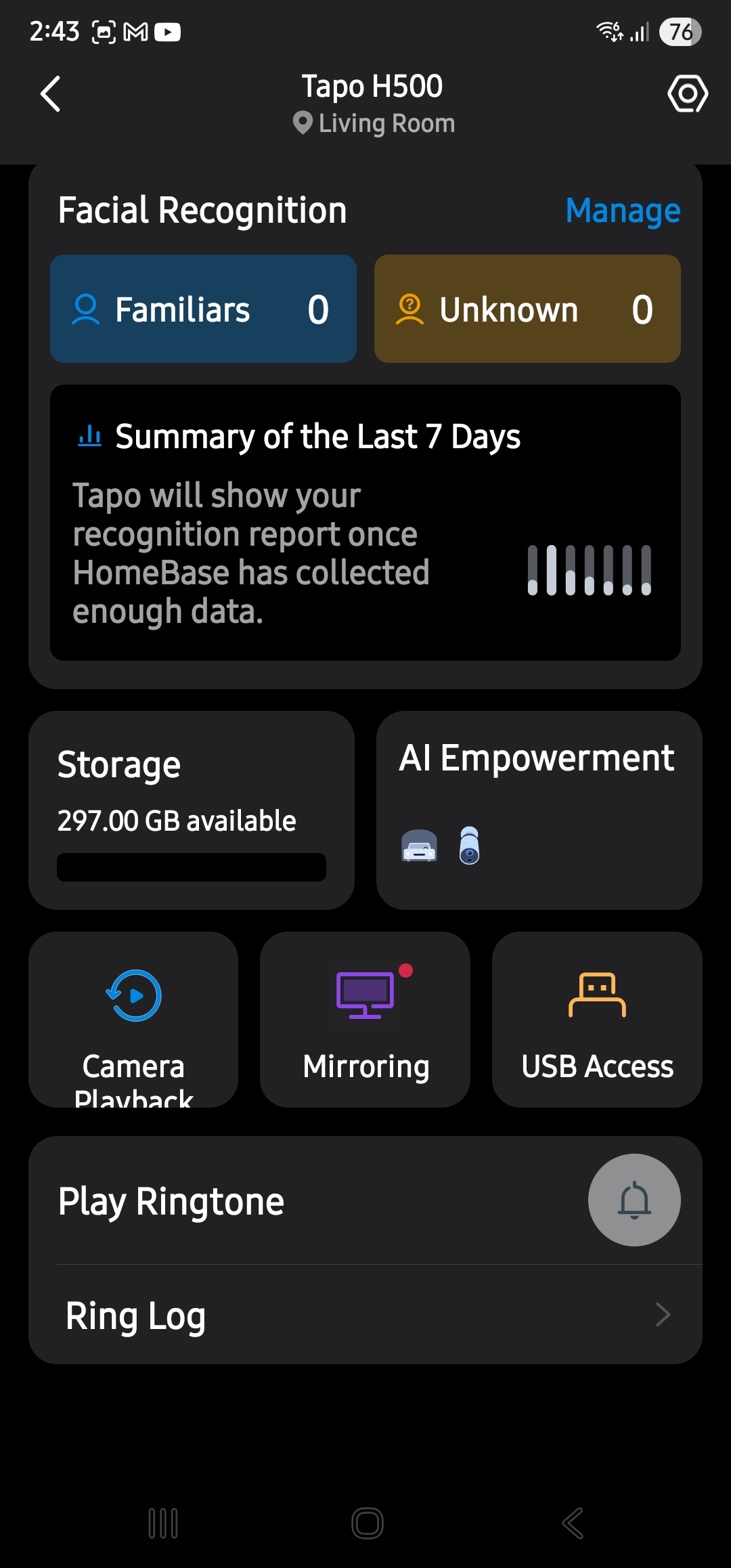
It has 16GB eMMC on board and space for either a 2.5” HDD or an SSD. At the low end is a WD Green 240GB/1TB SSD at $40/120 (approx). There is not a lot to be gained by adding larger storage.
A 20-second clip is about 10MB in computer-readable, unencrypted MP4 format. A 1TB can hold about 100,000 clips.
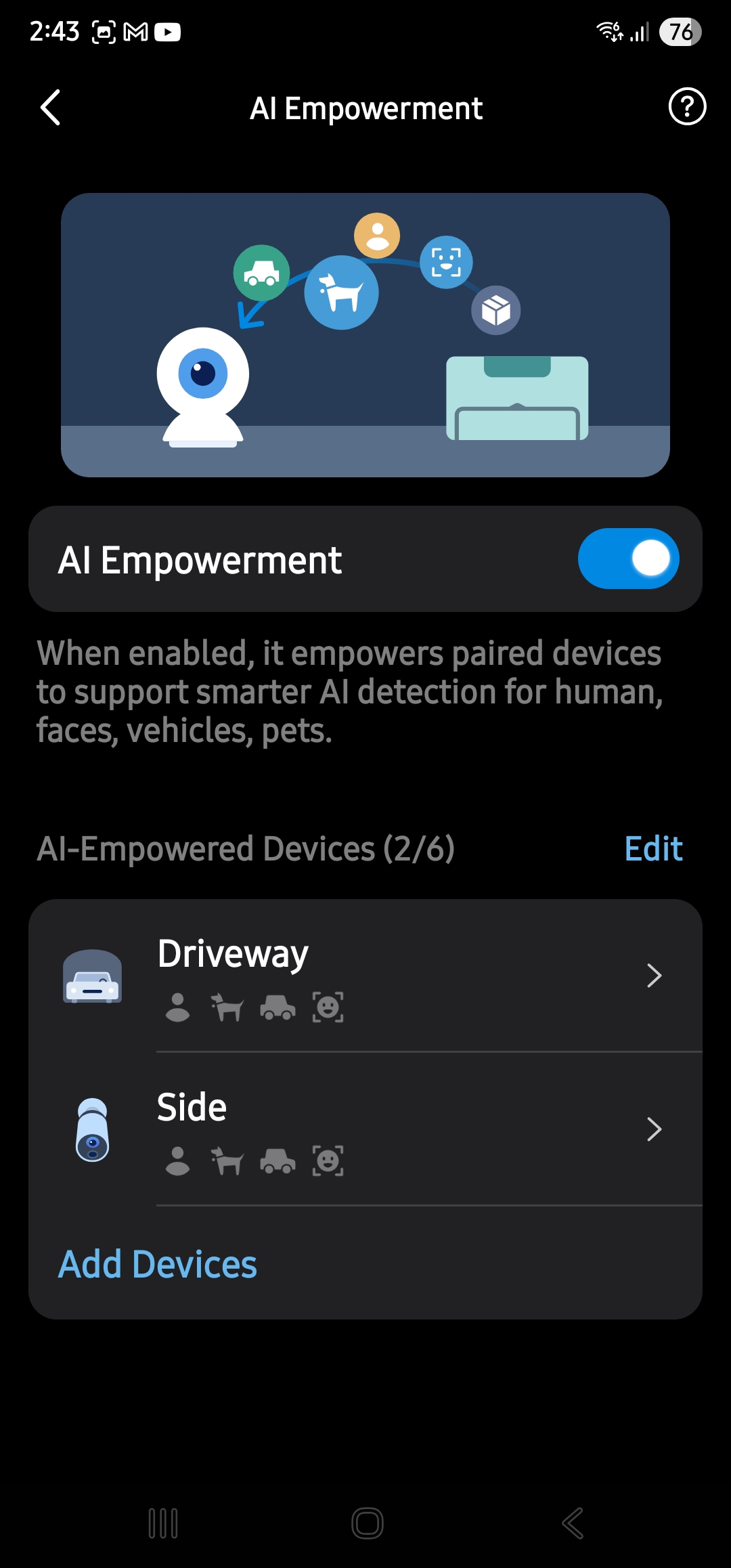
On-device AI: All you need
Adds AI to six non-AI cameras. Many recent Tapo cameras are already AI-enabled. Video doorbells and locks are also supported. The base adds:
- Motion Detection
- Person Detection (treats new people as strangers until added to the known list)
- Pet Detection
- Vehicle Detection
- Camera tracking and hand-off to the next camera
- Reporting
- More features to come
- Up to 64 Tapo Sensors (Tapo H110 IR and IoT hub and sensors keep you safe)
- No subscription
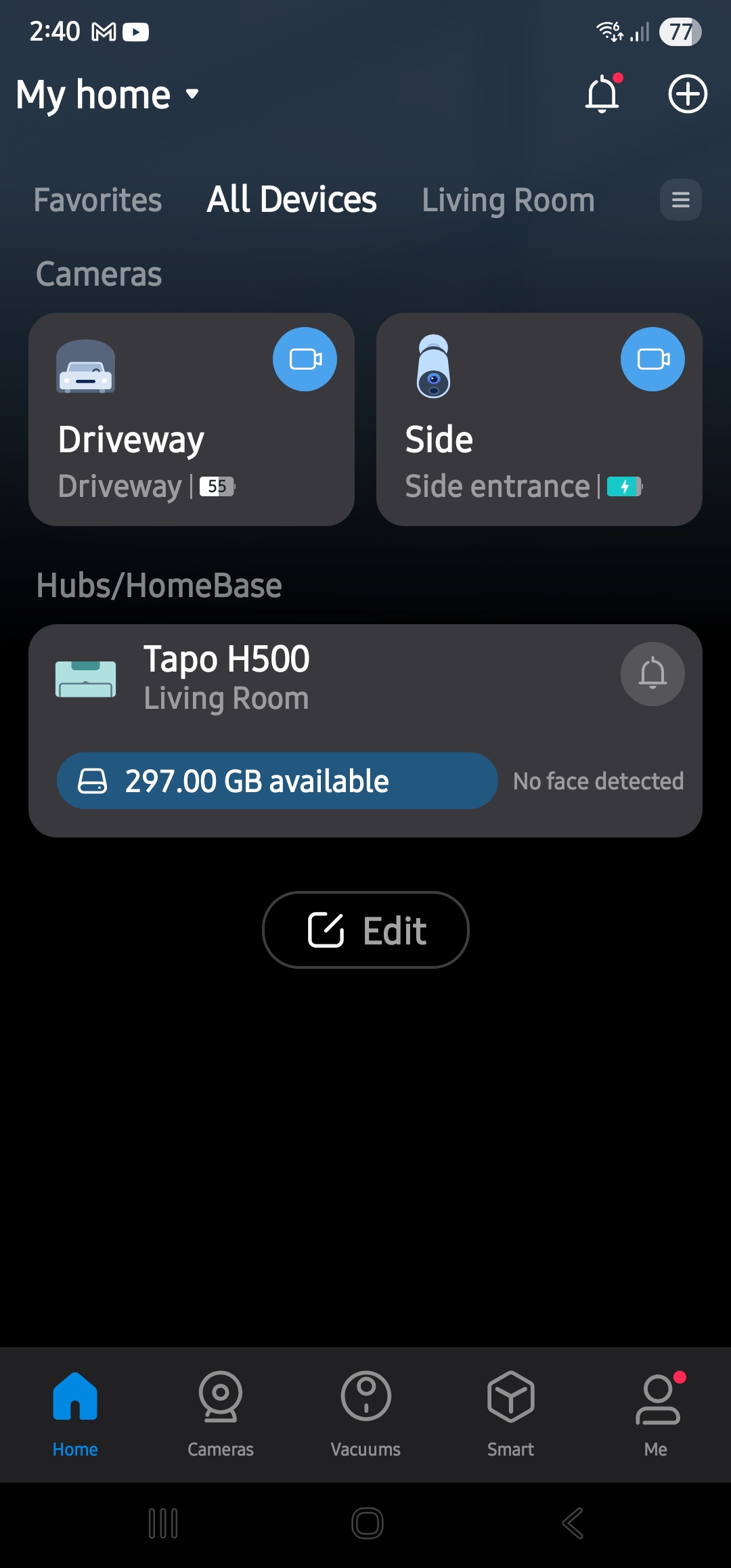
These are all good to reduce false events. Each camera also has adjustments for field of view, sensitrivity and no-go zones, etc. For example, a bird likes to perch near one camera, and it’s now ignored.
HDMI or Tablet output
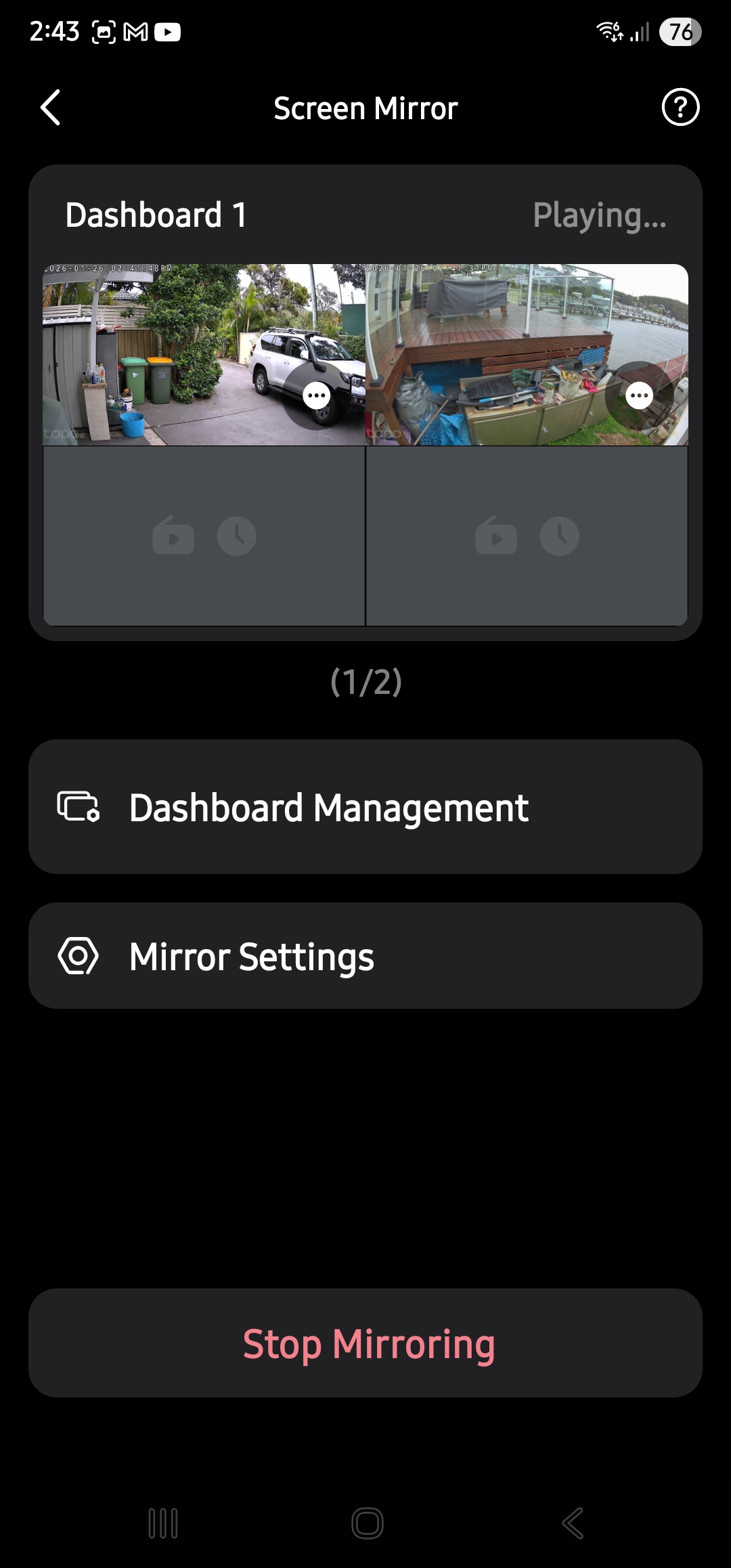
You can connect an HDMI cable from a monitor or TV and see up to four cameras. The Tablet runs the Tapo app and can sit on a fold-out shelf.
I’mTech’s insight: Tapo whole of home solar-powered security works brilliantly
I approached TP-Link Tapo as this may make a good hands-on review, and they were happy to donate the equipment. I supervised the install if only to see how the non-tech-savvy octogenarian might go.
We solved the NBN issues with a three-pack of the TP-Link Deco BE25 Wi-Fi 7 BE5000 mesh on a budget. He swapped to Aussie Broadband as he had had NO satisfaction from Telstra in trying to get 500/50Mbps speed, and they wanted to charge for a Gen 4 modem and lock him in for three more years.
But in the end, it was a coin toss between eufy and Tapo. He was rather taken by Tapo’s battery-operated floodlight model (eufy requires 240V power), so in this case, Tapo was the clear winner.
Cost (Approx. from major retailers)
| Item | RRP/Discount at 27/10/26 |
| T500 Hub | $249/199 |
| WD 240GB SSD | $40 |
| Aldi SIM (30GB 365 days) | $95 |
| C615D Floodlight | $229 |
| C615G 4G | $239 |
| C460 Bullet | $199 |
| Labour | DIY |
| TOTAL | $1001 |
This replaced the old system that cost over $3000 three years ago, plus a $200 annual subscription and a mobile data SIM.
Tapo whole of home solar-powered security rating
We can’t give you a formal rating because there are so many Tapo cameras to choose from – 1080p, 2K, 3K, 4K, wired, wireless, spot or floodlight, etc. It covers pretty well whatever you need.
He was initially confused at the 20 solar models on offer until I suggested he set up a basic paper-based table (spreadsheet – heavens no!).
The Tapo website made it easy with filters for solar, 4G, resolution, night vision, etc. Remarkably, our Independent recommendations were the same. Still, they were widely different from Bunnings, which pushed an unsuitable generic Orion brand and JB, which pushed Arlo and Uniden (both had 4G but not a wireless floodlight).
The key, as I have said on so many occaasions you need to assess both your security needs and any sensor needs holistically. Tapo scores highly for a whole ecosystem.